
IDToolkit · Identity Verification
Trusted Identity Verification.
Secure onboarding. Fraud prevention. Trusted decisions.
Explainable risk decisions
Seven weighted signals · configurable thresholds
Defensible audit evidence
Hash-chained · customer-defined retention
On-premise or hosted
Customer-controlled · Axon-managed
The short answer
A liveness check is a component. IDToolkit is the system that turns it into a decision — and defends that decision later.
Capture, liveness and matching get most of the marketing attention because they're the visible part. The harder engineering — and the part that actually determines whether an onboarding programme survives contact with real fraud — is everything around them: session security that can't be hijacked or replayed, a risk engine that weighs document, biometric and watchlist signals together instead of trusting any one of them alone, and an audit trail that can be produced, unaltered, years after the transaction closed.
IDToolkit is that system. The biometric engine underneath is independently benchmarked and swappable; the orchestration around it — the part that decides, defends and keeps running when a government database goes down — is Axon's own.
Six steps, one decision
Every signal, in order.
Each step answers a different question. None of them is trusted alone — the decision comes from all six together.
01
Capture
A live selfie plus an identity document — passport, ID card or driving licence — captured through an SDK on web, iOS or Android.
02
Liveness
The capture is proven to belong to a real, present person — not a photo, mask, replayed video or injected camera feed.
03
Document
MRZ, VIZ, barcode and NFC chip data are extracted and cross-checked, and the document itself is tested for tampering.
04
Match
The live face is compared to the document photo — and, where a prior enrolment exists, directly to it.
05
Screen
The verified identity is checked against sanctions and watchlists, and against any fraud list the organisation maintains.
06
Decide
Every signal feeds one risk score. The workflow engine approves, declines or routes to manual review against a configured threshold — automatically.
What's inside
Every check a verification programme needs.
Built in, not bolted on — each capability feeds the same session, the same risk score and the same audit trail.
Liveness Detection
2D and 3D presentation-attack detection, tested against injection and deepfake vectors that older standards were never built to cover.
Learn moreFace Matching — 1:1 & 1:N
Verify against a single document or enrolment, or search the full registry to catch a duplicate identity under a different name.
Learn moreDocument OCR & Anti-Tamper
MRZ, VIZ and barcode extraction, paired with digital-spoof, photo-swap and text-tamper detection on the document itself.
Learn moreNFC & ePassport Chip Reading
Cryptographic verification of ePassport and eID chip data — independent of whatever the printed photo looks like.
Learn moreWatchlist & Fraud-List Screening
Every new identity is checked against sanctions, PEP and any fraud list the organisation maintains — on every transaction, automatically.
Due Diligence Workflows
Initial onboarding, ongoing re-screening and enhanced due diligence share the same rules, evidence and review history.
Integration
Fits the systems you already operate.
IDToolkit can sit behind an existing onboarding journey or provide the complete capture flow, while standards-based interfaces keep identity, compliance and case-management systems connected.
REST APIs
Initiate a workflow, receive structured outcomes and retrieve the evidence your downstream systems are authorised to use.
Web, iOS & Android SDKs
Embed capture and verification into customer-facing apps, browsers, teller journeys and agent tools.
OAuth 2.0 & OpenID Connect
Use standards-based authentication, delegated access and time-limited tokens across integrated applications.
Provider-Agnostic Connectors
Connect national identity databases, AML sources and biometric engines without hardwiring the core workflow to one provider.
If an upstream identity source is unavailable, the workflow can queue the request and resubmit it when connectivity returns, preserving the transaction and its audit context.
The differentiator
Seven signals. One score.
Any one of these checks can be individually defeated. A composite score across all of them, at a threshold you control, is what actually holds up.
Bot & Network
Inbound traffic is filtered for automated attacks and scripted fraud before it ever reaches biometric capture.
Liveness
Presentation-attack detection scores the capture itself, not just the eventual match.
Document Authenticity
OCR, template matching and tamper checks confirm the document is original.
Face-to-Document Match
The live face is compared to the document photo to establish identity linkage.
Watchlist & Fraud List
Screened against sanctions, PEP and any fraud list the organisation maintains.
Address Verification
Proof-of-address documents cross-checked against trusted sources where available.
1:N Biometric Search
The identity is searched against every prior enrolment to catch a duplicate registered under a different name.
All required checks clear the configured threshold.
Borderline or conflicting signals route with their evidence.
Hard failures and high-risk results stop the transaction.
One composite, weighted score.
Every signal above feeds a single risk score, and the thresholds are configured — per transaction type, customer profile or channel — not hardcoded. A transaction that clears the bar is approved automatically. One that doesn't is declined or routed for manual review, with the full evidence trail preserved either way.
How customers reach it
One pipeline, three ways in.
Self-service, assisted and call-centre journeys all run the same verification pipeline — so the decision is consistent regardless of which door someone came through.
Self-Service
A browser or app-based flow the customer completes on their own device — remotely, or while waiting in a branch queue.
Assisted & Field
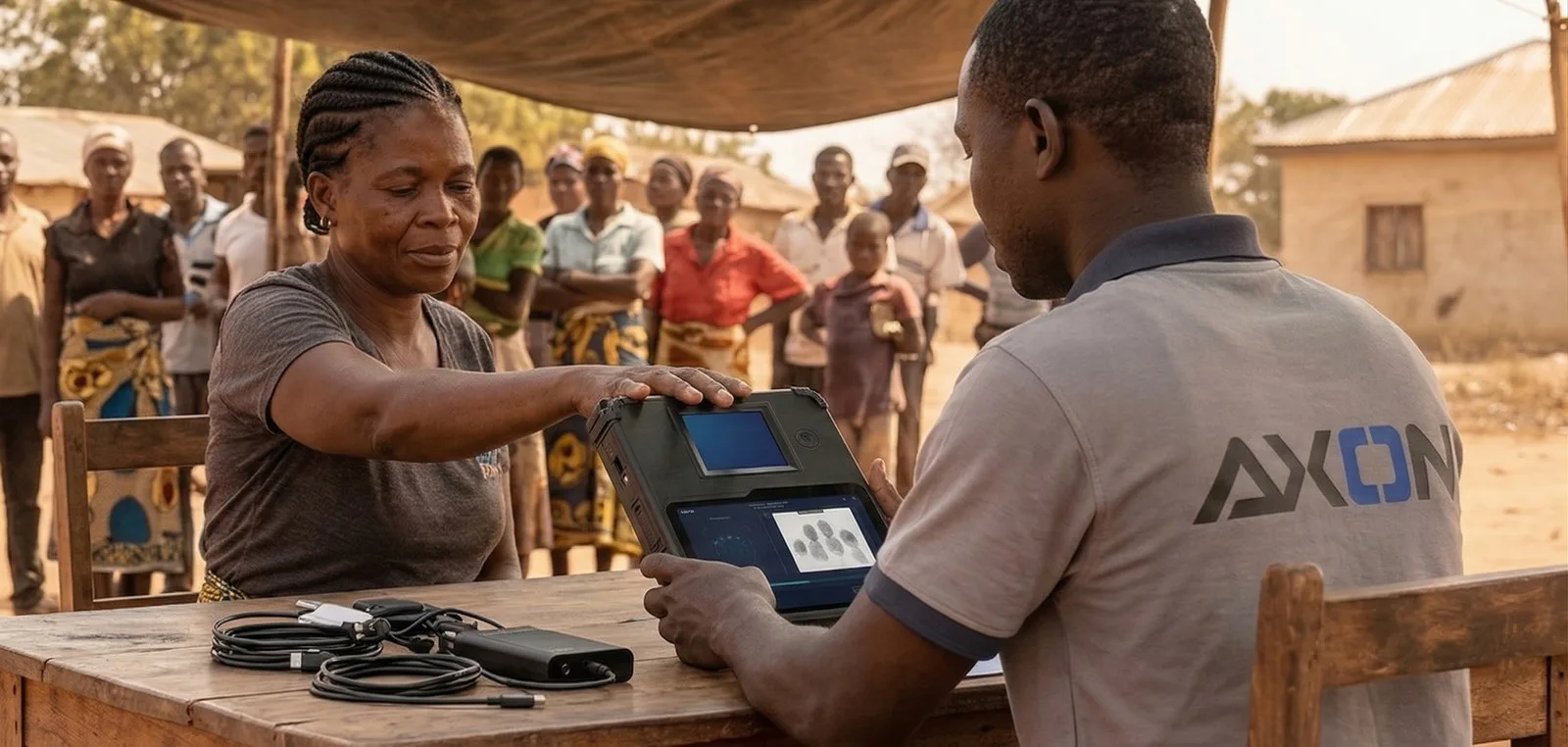
A dedicated agent application for in-person enrolment and verification — at a branch, a kiosk, or in the field.
Call Centre
The same verification pipeline, initiated and guided by a call-centre agent on the customer’s behalf.
Choose an Axon-hosted solution or deploy IDToolkit in a private cloud, inside your firewall or fully on-premise. The architecture adapts to your security, sovereignty and operating requirements.
Security & compliance
Built to be defended, not just to work.
Every claim below is something an auditor or a regulator can actually verify — not a badge on a slide.
Federated Access Control
OAuth 2.0 and OpenID Connect provide delegated access, time-limited tokens and interoperable authentication across connected systems.
Replay & Injection Protection
Encrypted capture packages and server-side controls reject reused, altered or injected biometric submissions.
Immutable Audit Trail
Every match, threshold change and decision is hash-chained and written to WORM-compliant storage, with retention configured to the customer’s policy and regulatory needs.
Encryption Everywhere
TLS 1.3 in transit, AES-256 at rest, with encryption keys rotated on a fixed schedule rather than left standing indefinitely.
Consent-Bound Data
Biometric templates are cached separately from customer-identifying data, under explicit, digitally signed consent, with defined retention and deletion.
Regulatory Alignment
Built to POPIA, GDPR and FICA principles — data minimisation, purpose limitation, and the right to erasure.
Operations
Built to stay up, and to say so.
Verification infrastructure that goes down during an onboarding push is worse than no infrastructure at all — this is how it doesn't.
Active-Active High Availability
Every layer runs across multiple nodes. A failed node is routed around automatically, with no manual intervention.
Resilient Recovery
Redundant services and recovery procedures preserve continuity without depending on a single application node or upstream system.
Continuous Monitoring
Axon’s own monitoring platform tracks system-critical thresholds and alerts named support staff before a warning becomes an outage.
Graceful Degradation
If a national identity database is temporarily unreachable, transactions are queued and automatically resubmitted the moment connectivity returns.
Start with the volume
Let us map the risk engine to your channels.
We'll work from expected transaction volume, regulatory context and existing infrastructure, then design the thresholds, channels and hosting model around it.
Common questions
IDToolkit, without the fog.
Clear answers for product, compliance, fraud and operations teams.
What is IDToolkit?+
IDToolkit is Axon’s identity verification platform — liveness detection, document verification, face matching, watchlist screening and a configurable risk-scoring engine, combined into one auditable decision. It is built for remote onboarding, government ID checks and in-person enrolment alike.
Is IDToolkit just a face-matching product?+
No. Face matching and liveness are one input among several. IDToolkit is the orchestration around them — secure session handling, document verification, watchlist screening, a composite risk score, and the audit trail behind every decision. A vendor can resell a liveness SDK; the system that turns a check into a defensible decision is the actual product.
Which biometric engine does IDToolkit use?+
Liveness and face matching are powered by an independently benchmarked biometric engine partner, tested to ISO/IEC 30107-3 Levels 1 and 2 and beyond it against injection and deepfake attack vectors the standard does not cover. Axon owns and operates everything else in the pipeline: session security, orchestration, the risk engine, monitoring and the audit trail.
Can IDToolkit integrate with a national identity database?+
Yes. Where a national database is available, verification checks against it directly. If that database is temporarily unreachable, transactions are queued and automatically resubmitted once connectivity returns, so onboarding does not stop while a government system is down.
Is it hosted in the cloud or on-premise?+
Both. IDToolkit is available as an Axon-hosted solution or can be deployed in a private cloud, inside your firewall or fully on-premise. The deployment model is selected to match your security, sovereignty and operating requirements.
How does the risk engine decide whether to approve a transaction?+
Liveness, document authenticity, face match, watchlist screening, address verification and biometric search each feed a single weighted score. Thresholds are configured per transaction type, customer profile or channel rather than hardcoded, so a transaction that clears the bar is approved automatically and one that does not is declined or routed for manual review.
How does IDToolkit integrate with existing banking and government systems?+
IDToolkit exposes REST APIs and SDKs for web, iOS and Android, with OAuth 2.0 and OpenID Connect for standards-based access. National identity databases, AML sources, biometric engines and downstream onboarding systems connect through provider-agnostic adapters rather than being hardwired into one monolithic flow.
Does IDToolkit support ongoing and enhanced due diligence?+
Yes. The same workflow used at onboarding can re-screen an existing customer against updated sanctions, PEP, fraud and identity signals. Higher-risk cases can be routed into an enhanced due-diligence path with additional evidence and a complete review history.
What stops someone registering twice under different names?+
Every new registration is searched against the full enrolled population — a 1:N search, not just a 1:1 check against the document presented — so a person who already has an identity on file is caught regardless of the name or document used the second time.
How long is verification data retained?+
Retention is customer-defined and consent-bound. Audit evidence and underlying biometric data can follow separate retention and deletion policies, configured to the customer’s operational, legal and regulatory requirements.